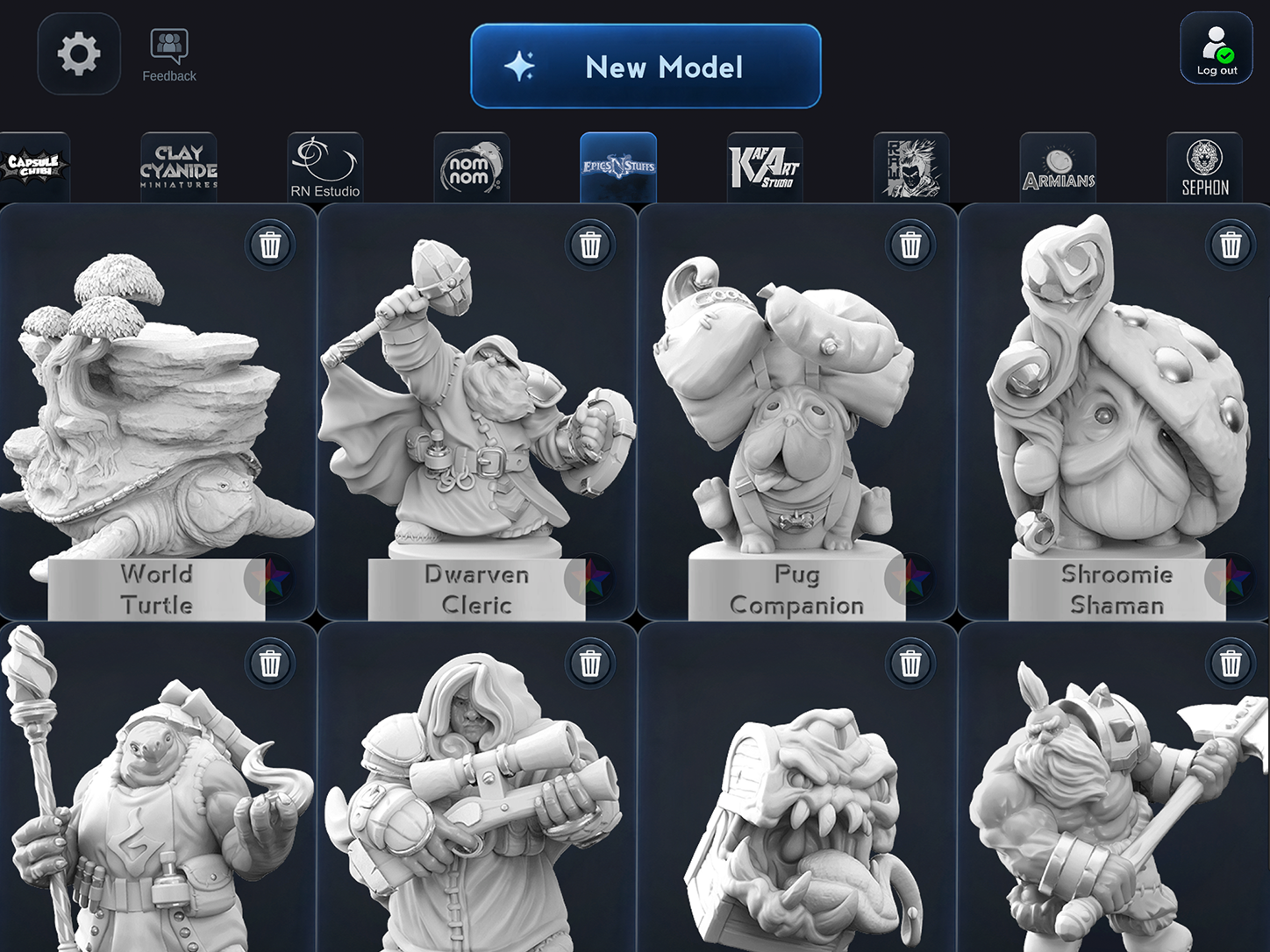
Find your next favorite figure.
From cute characters and robots to fantasy warriors, creatures and castles, there’s always something exciting to color.
Choose a figure you love, turn it around, and bring it to life with color. Try bold new looks or paint every tiny detail—right on the 3D model.
Start free • 2 new gallery models a day • Extra creative tools with Premium
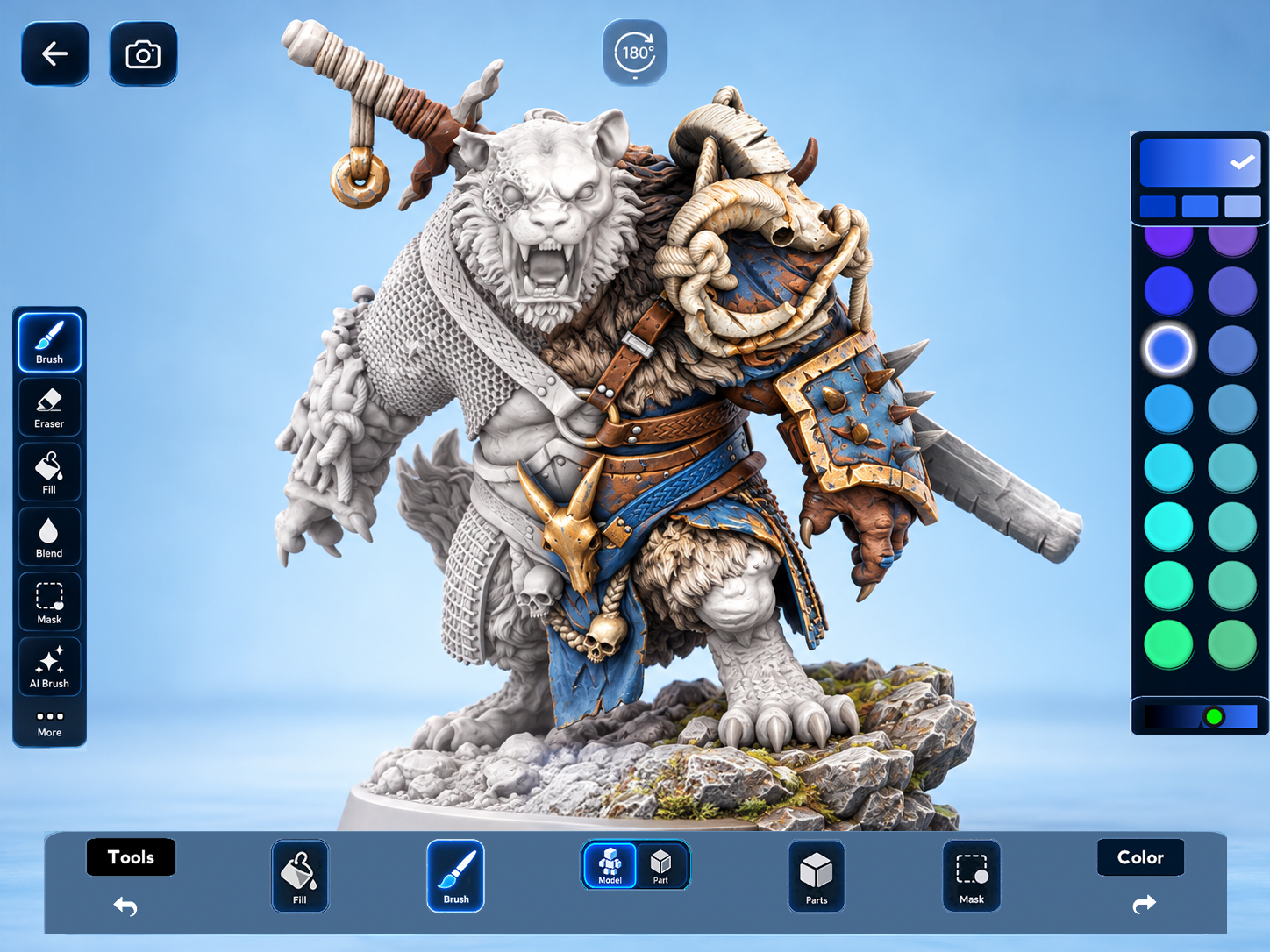
Pick your favorite figure, choose your colors and see it come to life. No 3D modeling experience needed.
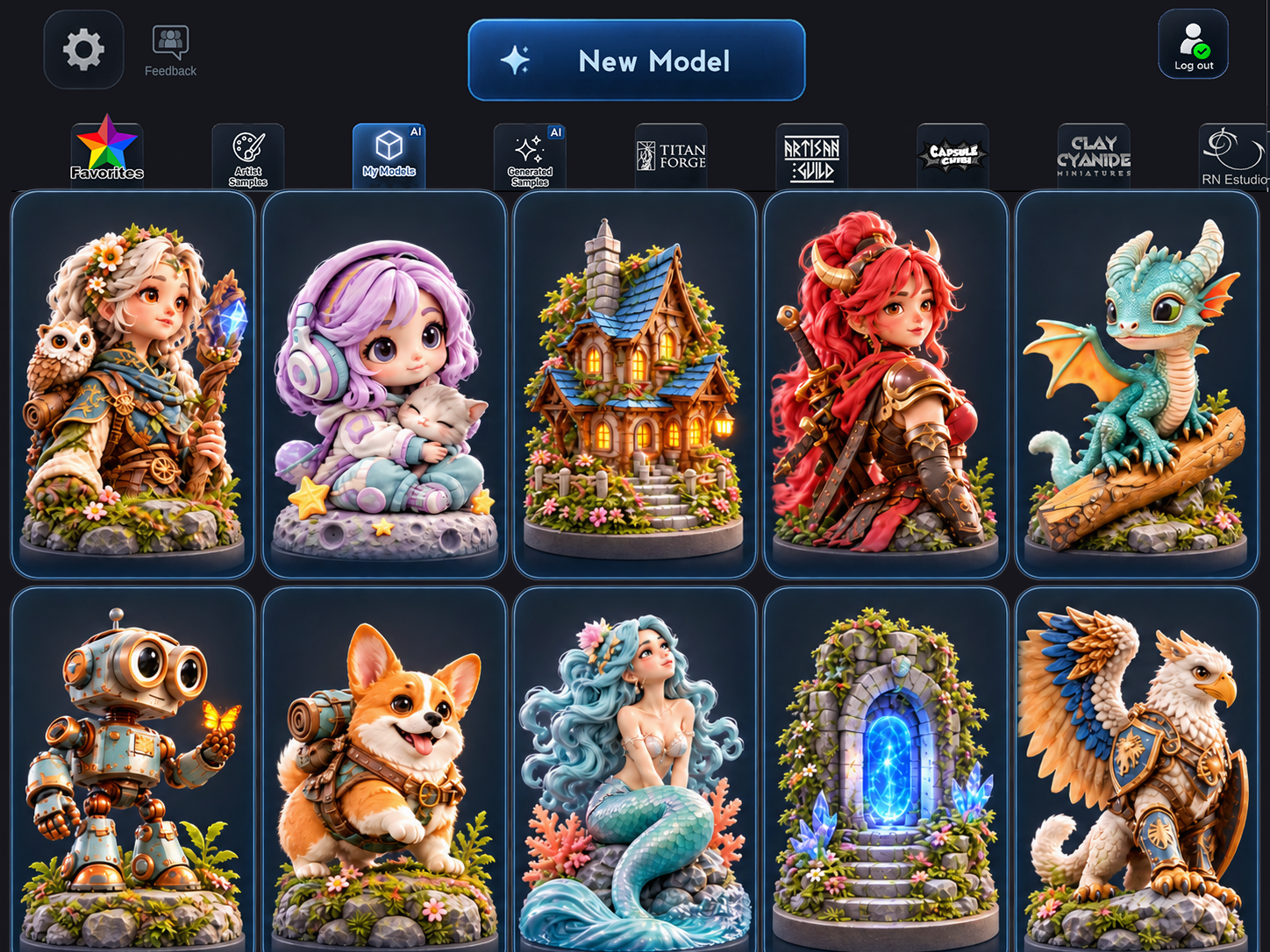
From cute characters and robots to fantasy warriors, creatures and castles, there’s always something exciting to color.
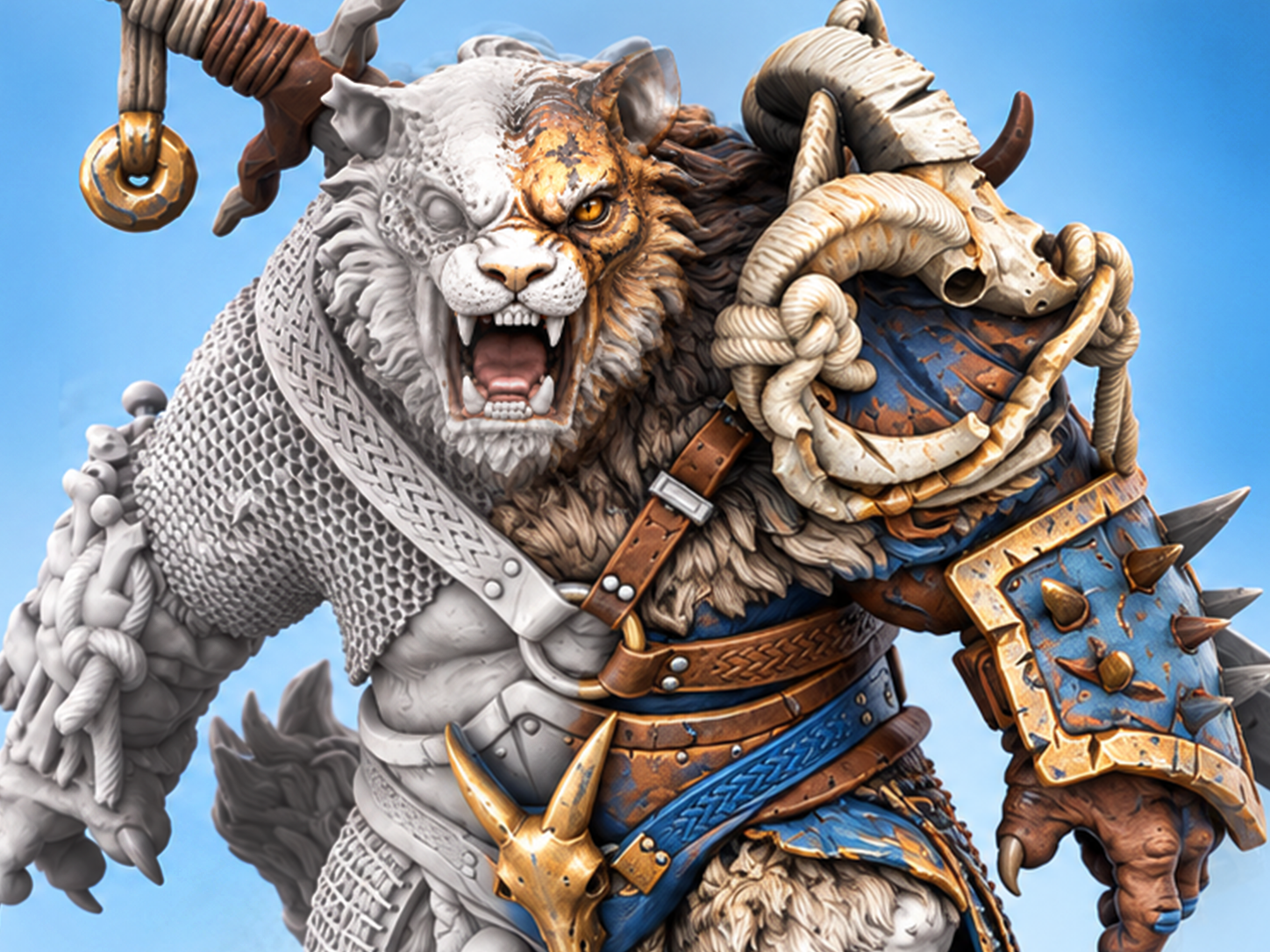
Turn and zoom as you paint. Add base color, shade and highlights together with ColorMinis’ signature tri-color painting.
Start with brushes and fills, then go further with Premium masks, stickers, custom brush shapes and precise edits.
Explore around 800 ready-to-paint 3D models. Discover whimsical characters, epic miniatures, creatures, props, fantasy buildings and entire scenes.
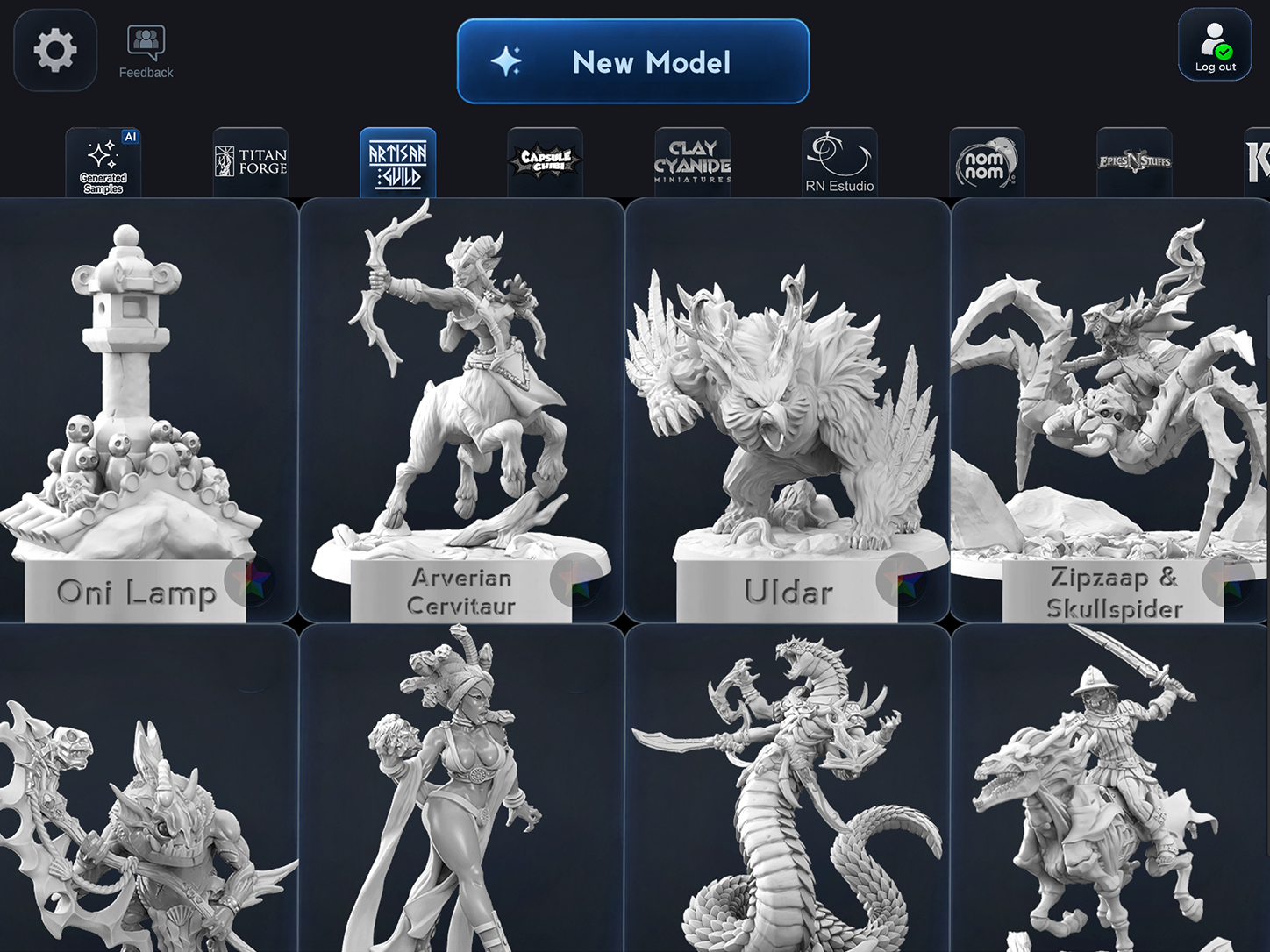
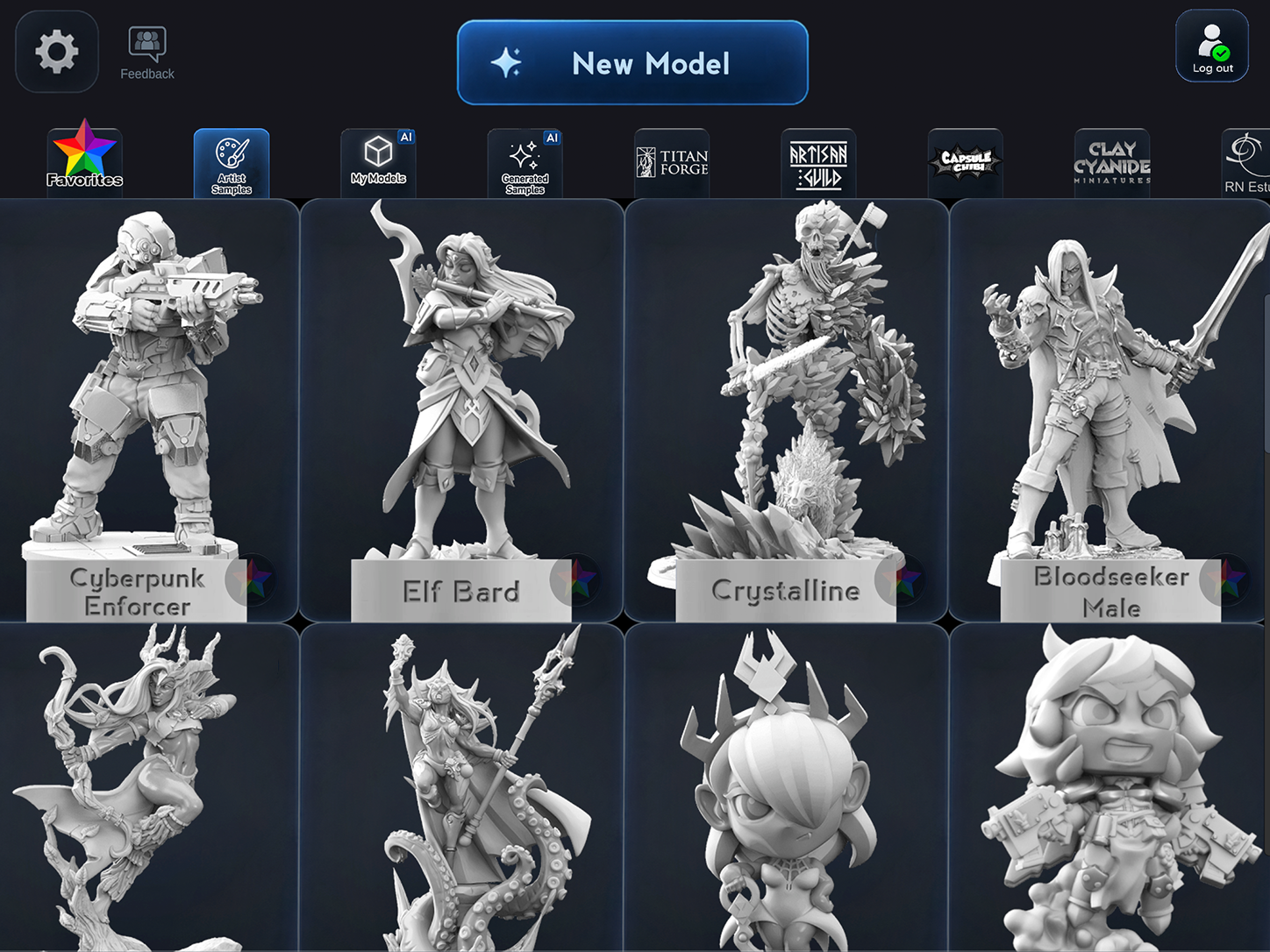
Try broad strokes or perfect every tiny detail. The choice is yours.
Apply base color, shade and highlights together in a single flow. Give your figure depth and personality with every stroke.
Color the whole figure, or focus on just the wings, armor, dress or another existing part. Switch between them as you paint.
Paint crisp edges with masks, add image stickers, and experiment with sponge-like brush shapes and artistic stamps.
Create, hide or merge paintable Parts, fine-tune colors and explore paint-brand palettes from Citadel, Vallejo and Reaper.
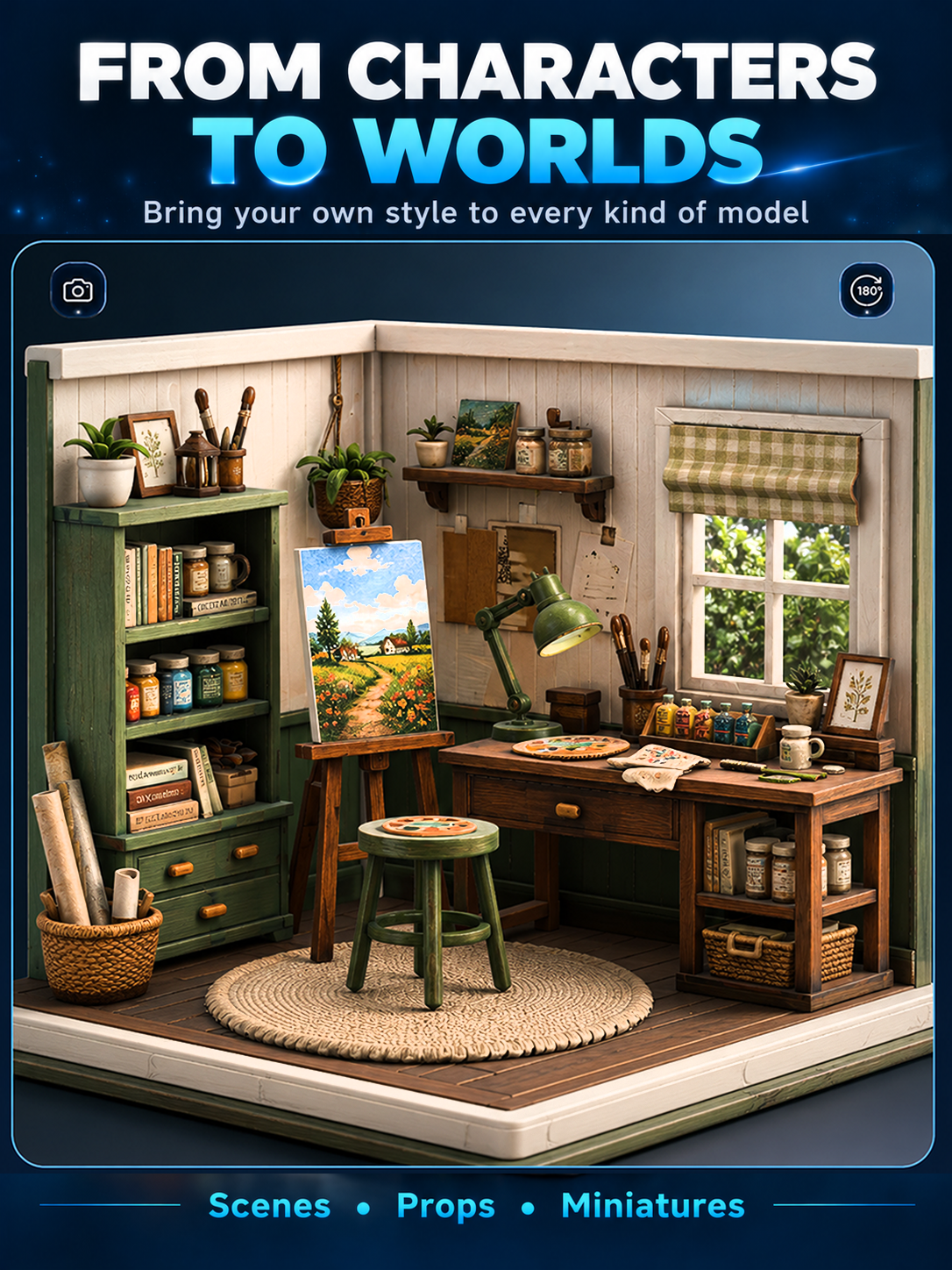
Give cozy rooms, tiny worlds and imaginative dioramas a color story of their own.
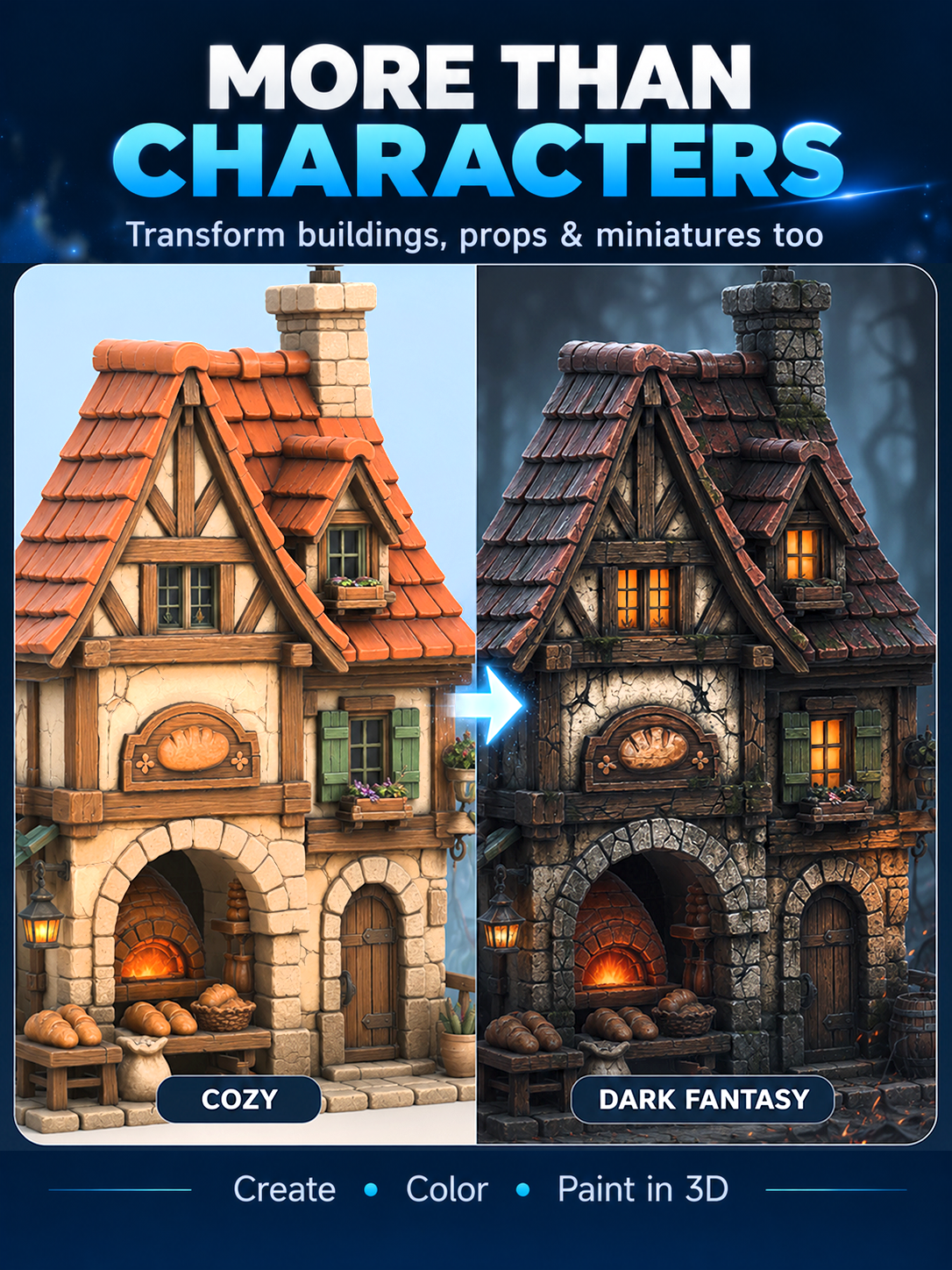
Turn a bright fantasy cottage into a darker world—or invent an entirely different look for your favorite scene.
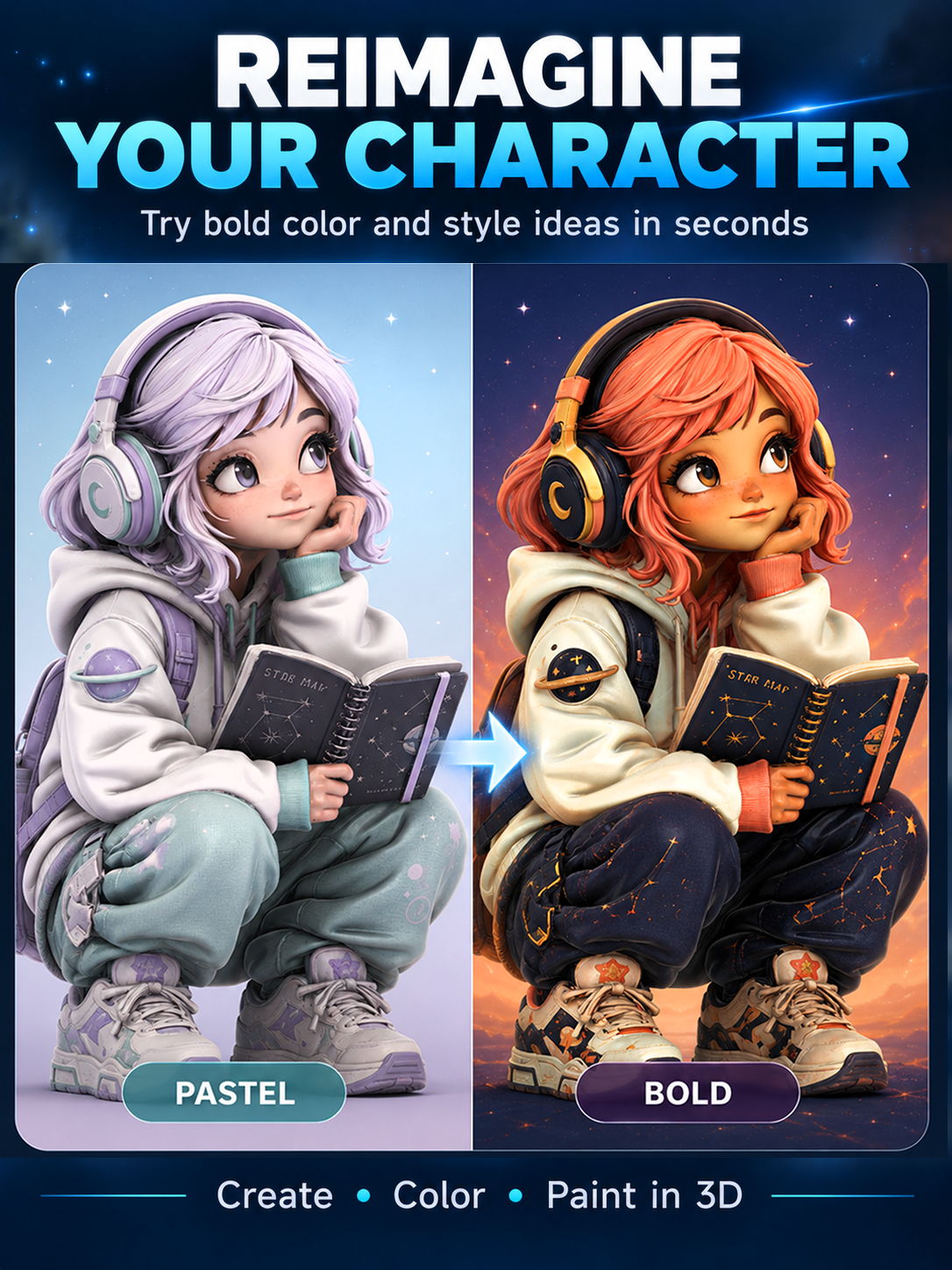
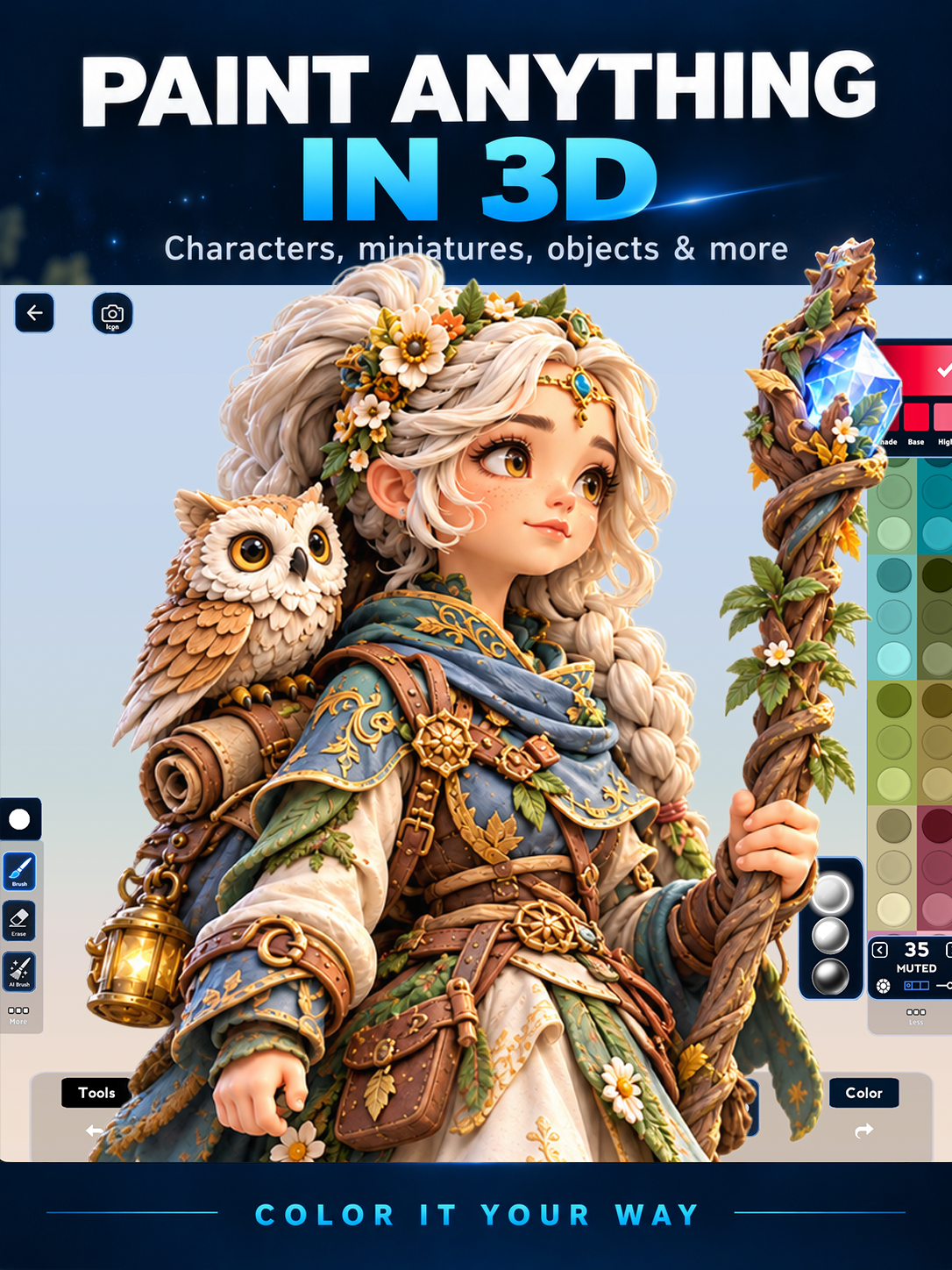
Have your own idea? Generate a paintable 3D model from a prompt or reference images. On Mac and Windows, you can also import your own compatible 3D models and start painting.
Share eligible personal models with CMINI files or QR codes. Open them in ColorMinis on another supported device and keep creating.
Compatible formats: GLB, FBX, OBJ and CMINI. Imported geometry must already have a single, non-overlapping UV layout. ColorMinis does not automatically create or unwrap UVs. Suggested upper limit: around 600,000 polygons. Single-part and multipart models are supported.
Importing GLB, FBX and OBJ models on desktop requires Premium. Compatible CMINI files can be opened separately. File compatibility depends on how the model was prepared.
Yes. Download ColorMinis for free, paint with the classic tools and choose two new gallery models each day. Premium adds unlimited gallery downloads and advanced painting tools. AI generation uses separate purchases or credits.
Not at all. Color fantasy miniatures, cute characters, creatures, buildings and scenes—even if you’ve never painted a physical miniature or used a 3D modeling app.
Yes. Try different color schemes on a digital figure before committing to a physical miniature. Premium also includes paint-brand color references from Citadel, Vallejo and Reaper.
Yes. On Mac and Windows, Premium lets you import compatible GLB, FBX and OBJ files. Your model must already have a single, non-overlapping UV layout; ColorMinis does not create UVs. Compatible shared CMINI models can also be opened.
You can share eligible personal models using CMINI files or QR codes. Models from the featured artist gallery cannot be redistributed.
Download ColorMinis and start painting in 3D on the platform that fits you best.